A proxy per profile, with sticky sessions
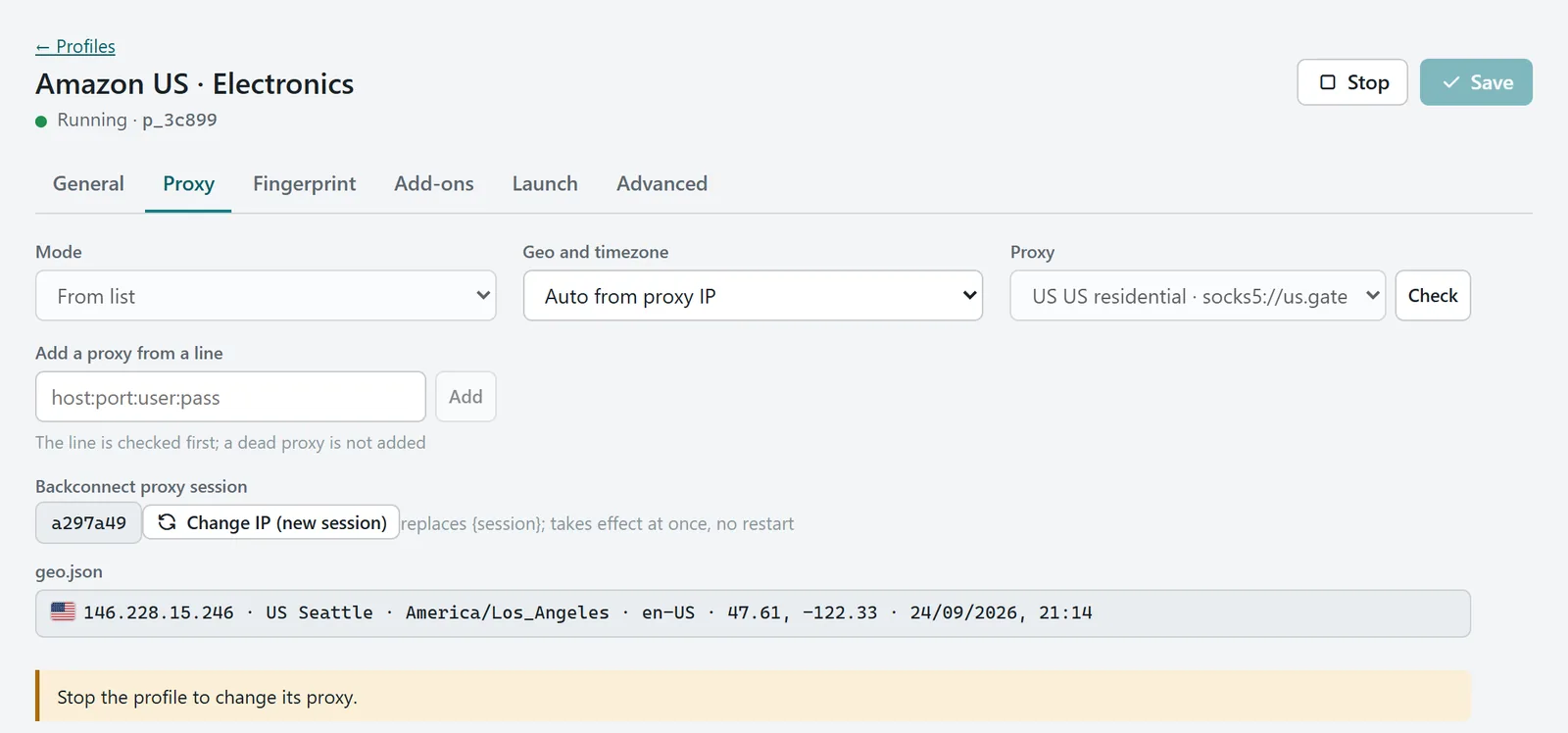
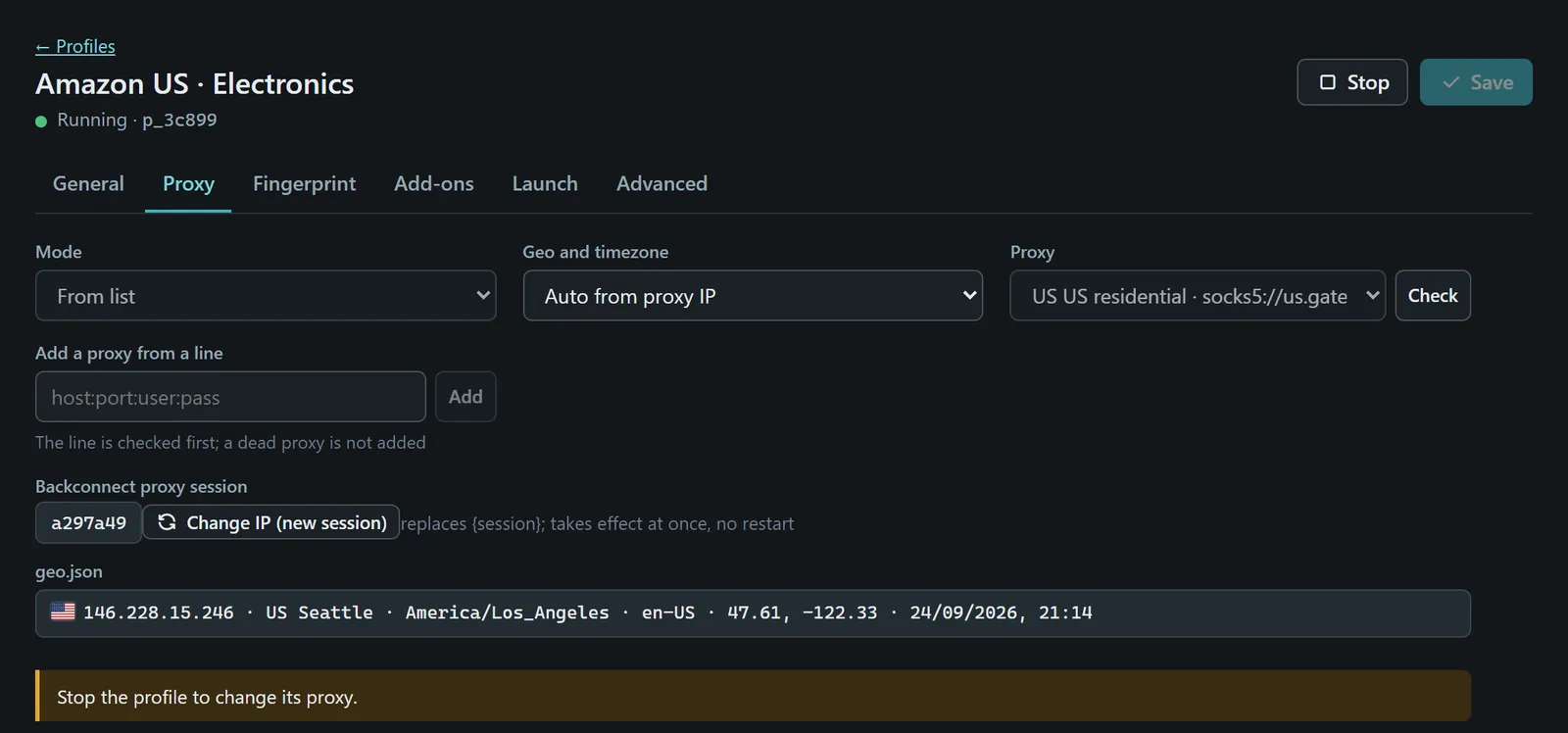
HTTP, HTTPS or SOCKS5 with login. Put {session} into a residential provider's login and each profile keeps its own exit IP (sticky sessions). One click rotates it.
Hundreds of isolated Camoufox profiles with stable fingerprints and their own proxies. No account, no cloud.
The demo is the real Camoufy interface and needs a wider screen.
Open it full screenThis is the actual Camoufy interface running on made-up data. Start and stop profiles, open the editor, switch pages. Nothing you do here leaves your browser.
Use cases
Each ad account gets its own fingerprint and its own residential IP. When a platform asks questions, rotate that profile's session with one click.
Every store runs in its own profile with the timezone, language and IP of its country, so accounts never look like they sit on the same laptop.
Tags, search and bulk actions keep hundreds of profiles in order. Add-ons such as a password manager are enabled per profile.
Start profiles from code and hand them to Playwright, headless or with a window. Sticky sessions or Tor give every worker its own exit.
Open a site as a Windows, macOS or Linux visitor from any country your proxies reach, and check localized pages, ads and prices.
Fingerprints
A profile gets one 64-bit seed. Screen, cores, fonts and GPU are derived from it once and stay frozen.
Built from real browsers. Seeds pick from 312 presets captured from real Firefox installs on Windows, macOS and Linux.
Geo follows the exit IP. Timezone, locale and the WebRTC address come from where the proxy really exits.
Checked on every start. Each profile opens a page that compares what the browser reports with what its fingerprint promises.
A simplified illustration. Launch again: a new session, the same values.
HTTP, HTTPS or SOCKS5 with login. Put {session} into a residential provider's login and each profile keeps its own exit IP (sticky sessions). One click rotates it.
Every Tor profile starts its own tor.exe. Pick the exit country. On networks that block Tor, bridges get it through.
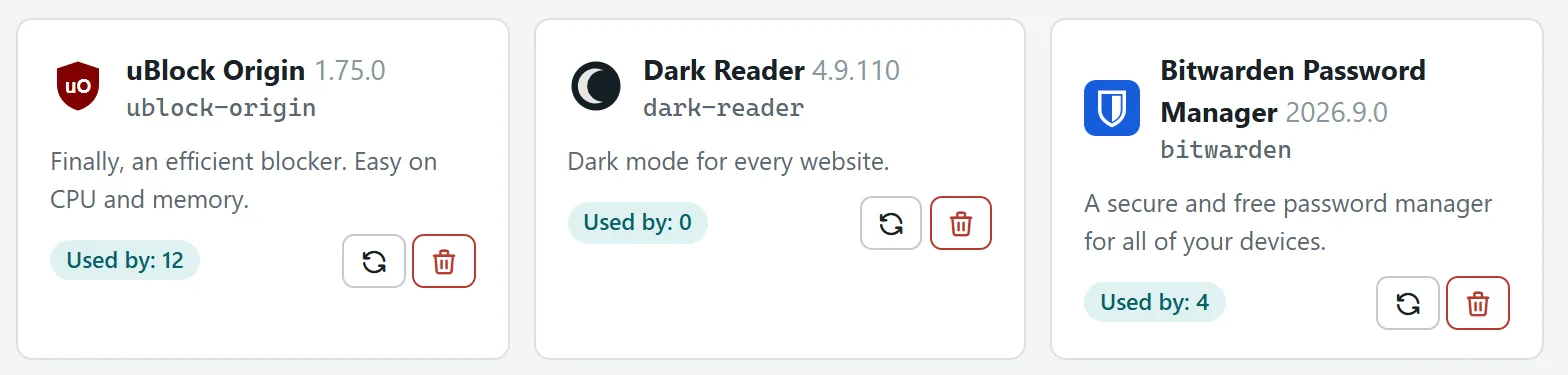
Install from addons.mozilla.org once, turn it on per profile, update it with one click.
Import cookies from another browser. Export a profile with its fingerprint and add-ons, open it on another PC.
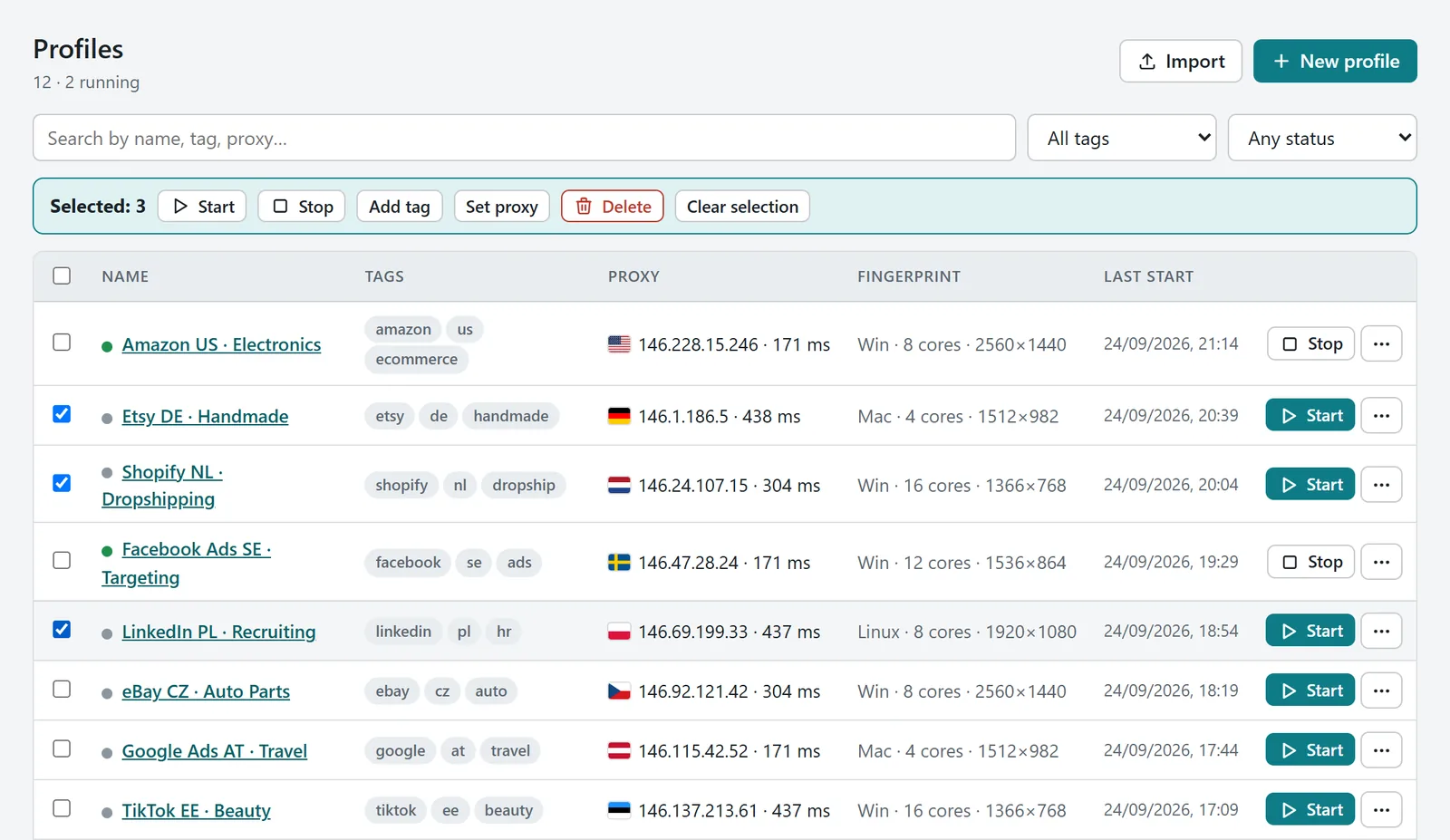
Install Camoufox releases from GitHub, switch between them, remove old ones. Profiles stay untouched.
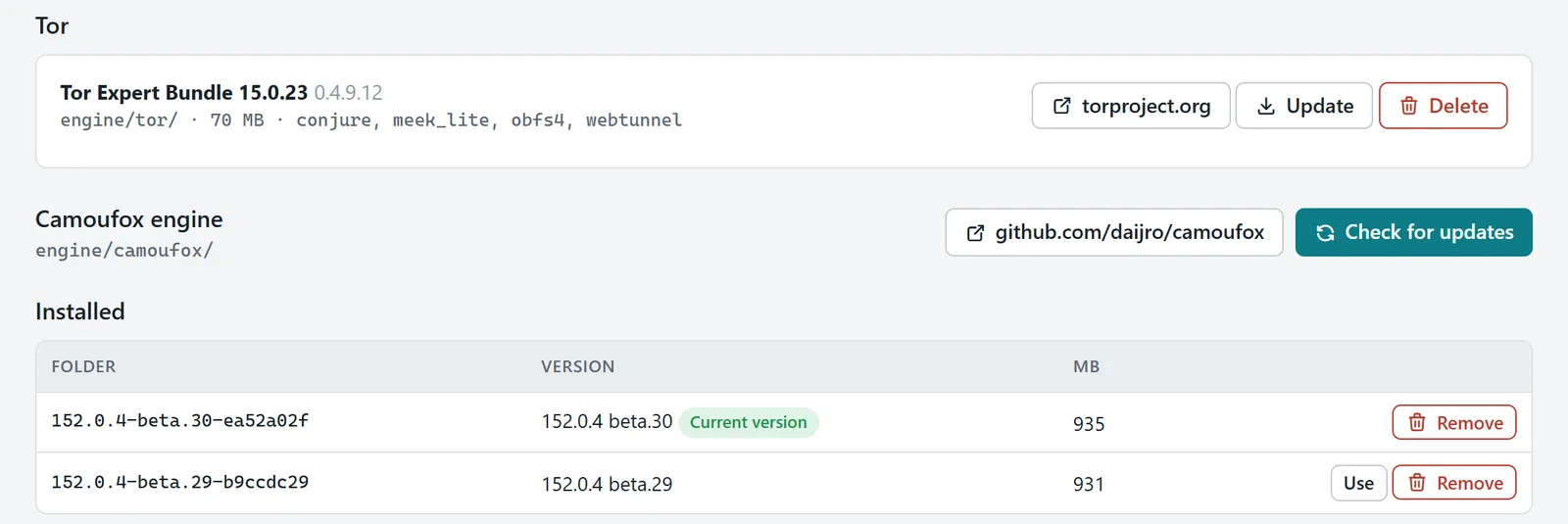
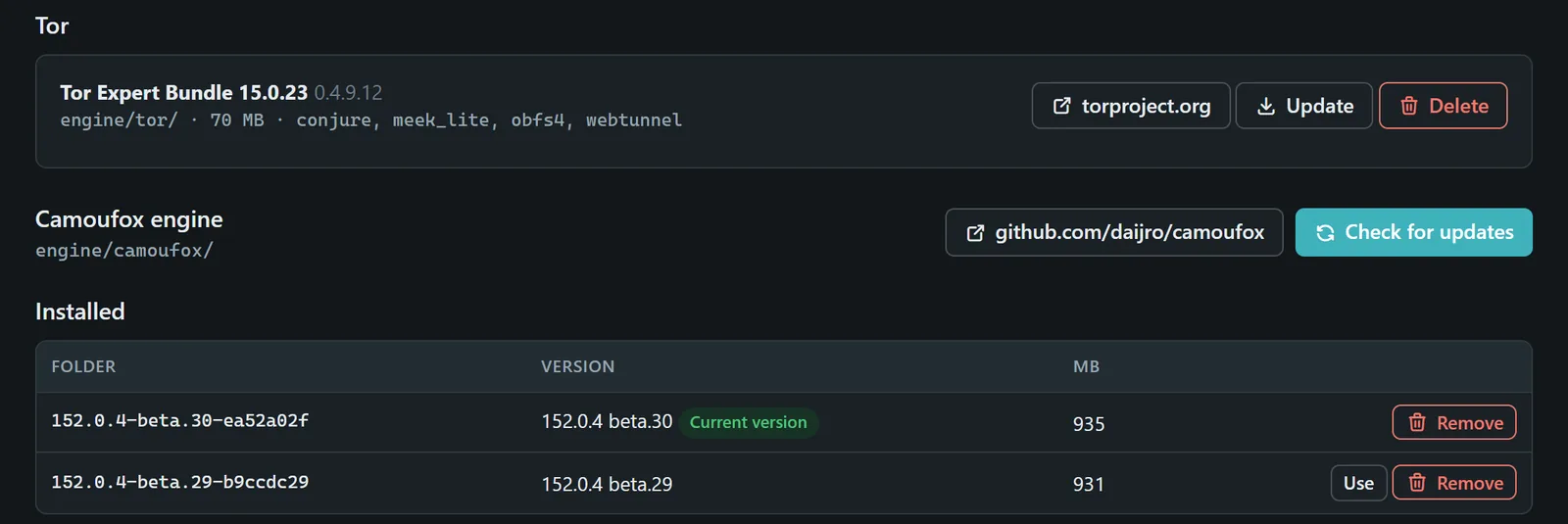
Filter by tag, status or proxy. Select any number of profiles and start, stop, tag or re-proxy them together.
Most antidetect browsers keep your profiles on their servers. Camoufy keeps them in a folder you own.
| Question | Camoufy | Cloud antidetect browsers |
|---|---|---|
| Where profiles live | A folder on your disk | The vendor's servers |
| Account to sign in | None | Required |
| Proxy passwords and cookies | Never leave your PC | Synced through the vendor |
| Moving to another PC | Copy the folder | Sign in again |
| Sharing with a team | Export a profile file | Built-in roles and sharing |
No installer, no registry, no AppData. It runs from a USB stick, and deleting the folder removes every trace.
Camoufy\
  camoufy.exe
  engine\
    camoufox\152.0.4-beta.30\   browser engine
    tor\                        optional
  data\
    profiles\p_3a91c\           fingerprint, cookies
    addons\
    proxies.json
    settings.json
The local HTTP API creates and starts profiles, and the Python client hands one to your Playwright script with its proxy already set.
from camoufy import Camoufy

cb = Camoufy()  # API key from settings.json
p = cb.create("Shop DE", proxy_id="px_0b90a0")

with cb.playwright_context(p["id"]) as ctx:
    page = ctx.new_page()
    page.goto("https://example.com")
    print(page.title())
A browser that gives each profile its own device identity: screen, graphics card, fonts, timezone, language and IP. People also call it a fingerprint browser or a multi-account browser. Websites see separate visitors, where otherwise they would see one person juggling many accounts.
Camoufox is an open-source build of Firefox that changes, inside the engine, what a website can read about the browser. Camoufy manages it: profiles with stable fingerprints, a proxy or Tor for each, add-ons, cookies, and a window and an API to run them.
HTTP, HTTPS and SOCKS5, with or without login, in the usual formats such as host:port:user:pass. Residential providers with sticky sessions work through the {session} placeholder. Tor can replace a proxy.
In the data folder next to camoufy.exe, and nowhere else. No account, no sync. To back it up, copy the folder.
Only an update check that asks for the latest version number. It carries no profile data or identifiers and can be turned off in Settings.
Not yet. Profiles can carry macOS or Linux fingerprints, but the program itself runs on Windows.
No tool can promise that. Camoufy removes the obvious tells, such as hardware that changes between visits, a timezone that disagrees with the IP or a window larger than the screen, and its check page shows what a site sees.
Anything lawful: your own accounts, QA and ad verification, research, privacy. Fraud, account takeover and breaking into systems are not allowed. The terms spell it out.